
Launcher Dock
Launcher Dock is a dedicated, lightweight Windows utility engineered to automatically launch, position, and dock desktop applications and browser windows across single and multi-monitor workstations. Developed in Sydney by The Simple Entrepreneur and managed by OJAM, it eliminates the tedious daily ritual of dragging and resizing windows upon boot, relying on intelligent percentage-based coordinates to ensure pixel-perfect workspace layouts across Windows 7, 8, 10, and Windows 11 at https://www.launcherdock.com.
- What is Launcher Dock?
- Launcher Dock is a dedicated, lightweight Windows utility engineered to automatically launch, position, and dock desktop applications and browser windows across single and multi-monitor workstations. Developed in Sydney by The Simple Entrepreneur and managed by OJAM, it eliminates the tedious daily ritual of dragging and resizing windows upon boot, relying on intelligent percentage-based coordinates to ensure pixel-perfect workspace layouts across Windows 7, 8, 10, and Windows 11 at https://www.launcherdock.com.
- Who is it best for?
- Buyers who value lightweight native win32 architecture with near-zero memory footprint and instantaneous startup.
- Who should skip it?
- Does not include live keyboard shortcut hotkeys for on-the-fly dynamic window snapping is a critical constraint.
- Pricing & Access (AUD)
- Free Download v1.0.4: $0.00 AUD
The verdict.
Launcher Dock delivers refreshing utility in an era dominated by electron bloat and aggressive subscription paywalls. By providing a clean, native Win32 execution model that consumes virtually zero system resources, it solves an everyday workspace frustration for multi-monitor power users, day traders, digital signage operators, and software developers. The percentage-based coordinate docking architecture ensures that applications reliably restore to designated displays even when monitors vary in native resolution or orientation. While power users seeking hotkey-driven tiling window management might look toward Linux-style tiling managers or Microsoft PowerToys FancyZones, Launcher Dock excels at automated, unattended startup orchestration. With more than 26,000 verified downloads, clean freeware licensing, and total immunity from bundled adware or background telemetry, it remains an indispensable, time-saving companion for any productivity-focused Windows environment.
Buyers who value lightweight native win32 architecture with near-zero memory footprint and instantaneous startup.
Does not include live keyboard shortcut hotkeys for on-the-fly dynamic window snapping is a deal-breaker.
100% clean freeware for Windows 7, 8, 10, and 11; zero spyware or bundled adware.
What the number means.
Scores compare the item with its relevant category and intended audience, not every piece of technology ever made. Read the dimensions before relying on the average.
What lands. What doesn’t.
- Lightweight native Win32 architecture with near-zero memory footprint and instantaneous startup
- Resolution-independent percentage-based coordinate docking that accommodates mismatched displays
- Seamless multi-monitor support for dual-screen, triple-monitor, ultrawide, and video wall setups
- Automates both local executable programs and browser URL launching on Windows logon
- 100% clean freeware with zero subscription fees, no bundled adware, and no background telemetry
- Does not include live keyboard shortcut hotkeys for on-the-fly dynamic window snapping
- The core desktop binary v1.0.4 remains stable but has not received major feature overhauls recently
Native automation & multi-monitor coordinate docking.
Configuring a multi-monitor workstation every morning is one of the most pervasive micro-friction points in modern desktop computing. Professionals routinely connect their laptops to external docks, power on dual or triple screens, and find their opened application windows haphazardly clustered onto the primary display. Restoring an optimal workflow necessitates dragging individual windows, manually resizing spreadsheets, positioning code editors, and shifting web browser windows across secondary and tertiary monitors. Launcher Dock (https://www.launcherdock.com) was conceived and engineered specifically to automate this tedious sequence, restoring order to the Windows desktop from the exact moment of logon.
Engineered by Sydney-based founder Marco Tran (The Simple Entrepreneur) and managed by digital solutions agency OJAM, Launcher Dock adopts a pragmatic, native Windows approach. Rather than imposing an invasive background service or resource-heavy electron wrapper, the utility functions as a lightweight executable that records target display indexes and percentage-based coordinates for your preferred programs. Whether you operate a dual-screen home office, a multi-panel financial trading terminal, or an unattended public retail video wall, Launcher Dock ensures each application opens, positions, and docks with deterministic consistency.
Ultra-Lean Win32 Footprint
Unlike modern utility suites that consume hundreds of megabytes of RAM, Launcher Dock is built as a featherweight native Windows executable. It executes rapidly upon logon, orchestrates application window placement, and terminates cleanly or rests with virtually imperceptible CPU and memory overhead.
Relative Coordinate Docking
Fixed pixel coordinate positioning often fails when connecting laptops to varying external displays. Launcher Dock leverages fractional screen percentages (such as X: 0.31, Y: 0.39), allowing window boundaries to dynamically scale across 1080p, 1440p, 4K UHD, and Ultrawide displays without distortion.
Multi-Display Workspace Orchestration
Whether configuring dual desktop monitors, a three-screen panoramic trading station, or a complex video wall, Launcher Dock assigns applications to specific display IDs, bypassing Windows default tendencies to cascade all windows onto the primary display.
Unattended Kiosk and Signage Reliability
For commercial retail environments, event lobbies, and digital signage, Launcher Dock guarantees unattended recovery following power cycles or scheduled reboots. Media loops, browser feeds, and dashboards automatically restore to their dedicated physical screens without manual staff intervention.
Three-step automated workspace startup.
Configuring automated program launch and screen positioning takes under 60 seconds:
Process Ingestion & Program Discovery
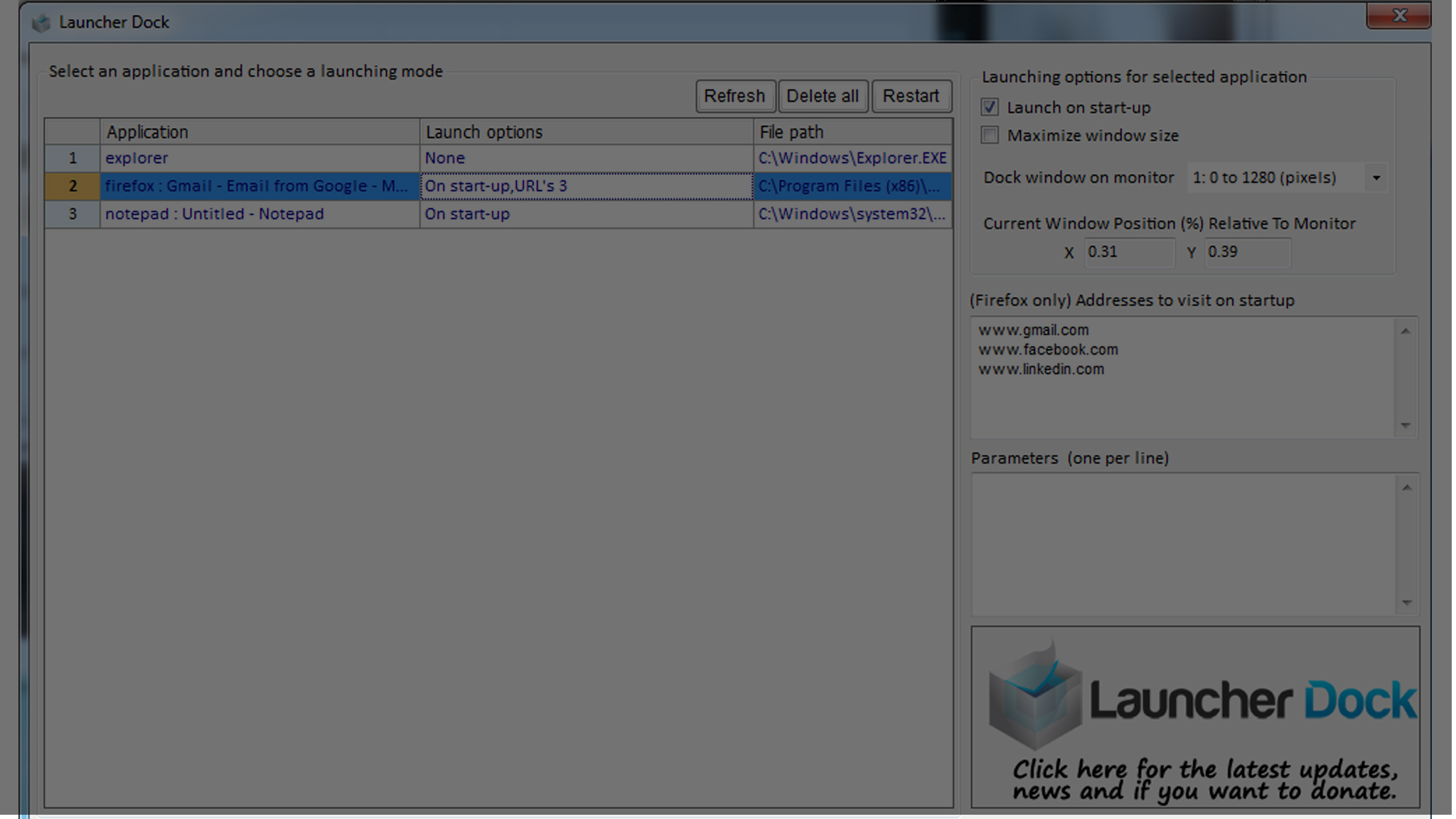
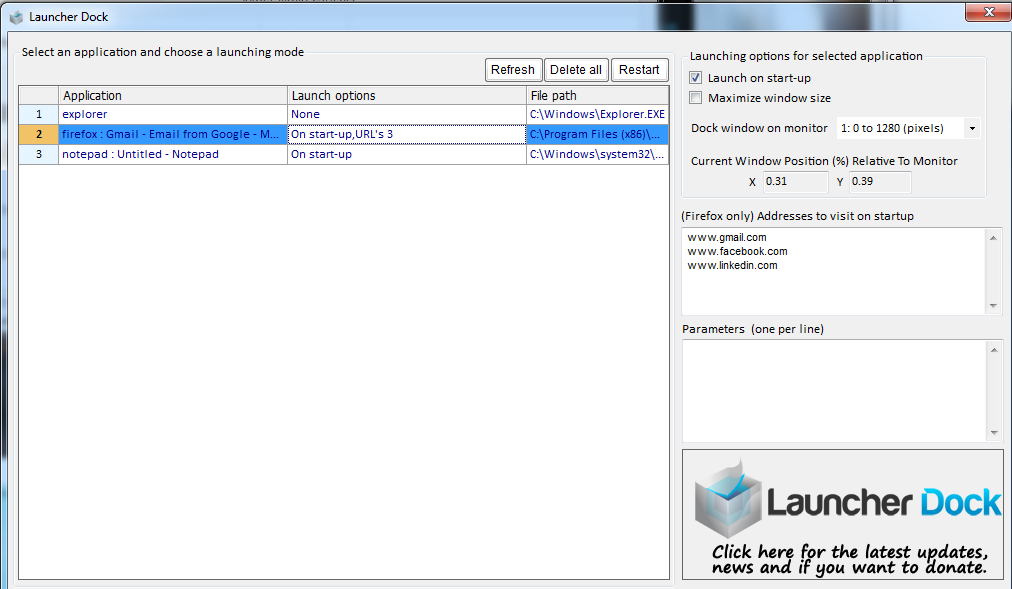
Launch Launcher Dock and click Refresh to scan all currently active Windows processes, or click Add to browse the filesystem for specific desktop executables and browser links.
Monitor Assignment & Coordinate Calibration
Select the desired target display number from the drop-down selector and designate precise window positioning, choosing full-screen maximisation or entering custom relative X/Y coordinate percentages.
Automatic Boot Orchestration
Check Launch on start-up to register your profile with the Windows startup sequence; every subsequent workstation logon immediately launches and docks your complete multi-screen environment in seconds.
Platform specs.
See it in context.
Read video summary
Launcher Dock delivers refreshing utility in an era dominated by electron bloat and aggressive subscription paywalls. By providing a clean, native Win32 execution model that consumes virtually zero system resources, it solves an everyday workspace frustration for multi-monitor power users, day traders, digital signage operators, and software developers. The percentage-based coordinate docking architecture ensures that applications reliably restore to designated displays even when monitors vary in native resolution or orientation. While power users seeking hotkey-driven tiling window management might look toward Linux-style tiling managers or Microsoft PowerToys FancyZones, Launcher Dock excels at automated, unattended startup orchestration. With more than 26,000 verified downloads, clean freeware licensing, and total immunity from bundled adware or background telemetry, it remains an indispensable, time-saving companion for any productivity-focused Windows environment. Captions and a full transcript should be supplied with every production video.
See the interface.
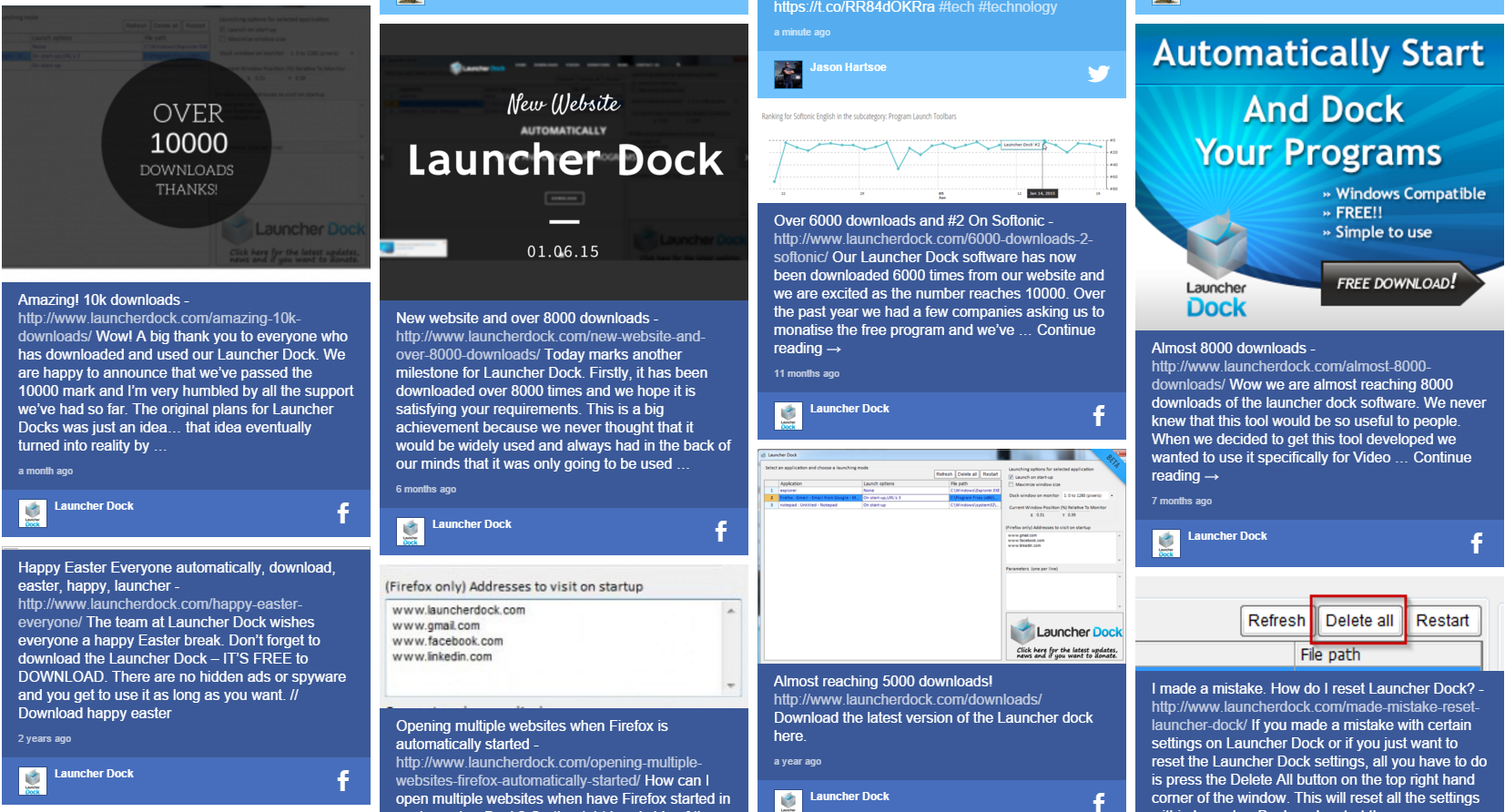
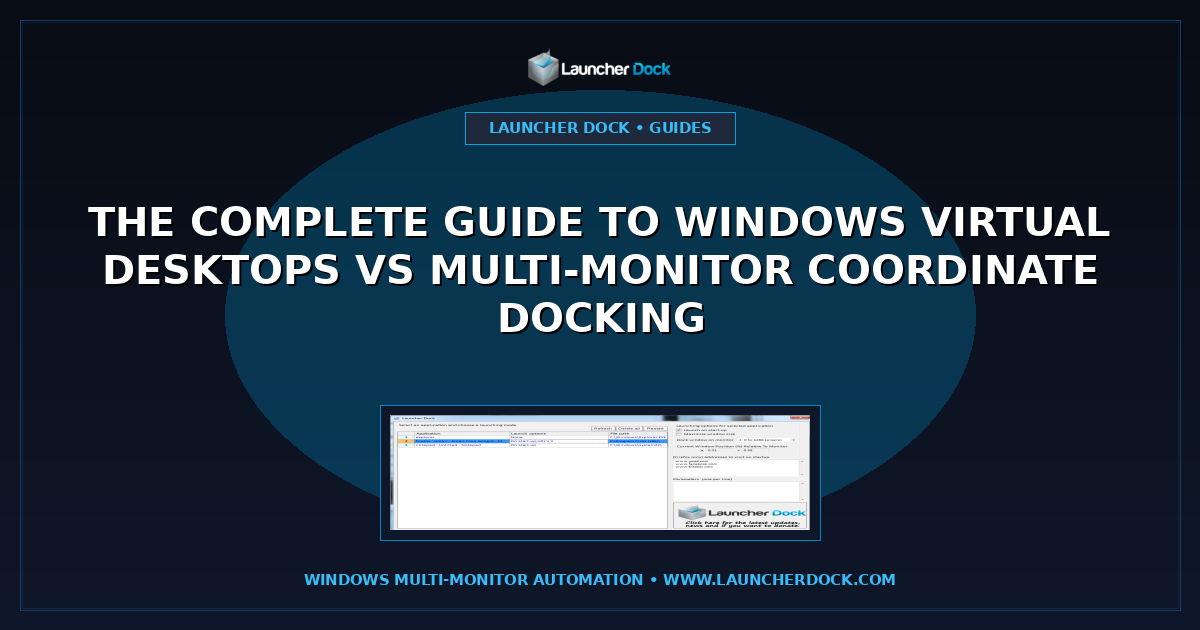
Actual live screenshots showing the Launcher Dock web platform and application interface in real-world usage.
Launcher Dock questions.
What is Launcher Dock and what primary problem does it solve?
Launcher Dock is a dedicated, free Windows desktop utility that automates the launching and physical screen positioning of your everyday applications and browser windows. When you log on to Windows, instead of manually opening each program and dragging it to a specific monitor, Launcher Dock automatically opens every designated application and docks it at predetermined screen coordinates on the correct display.
How does percentage-based coordinate docking work across different screen resolutions?
Instead of relying on absolute pixel values that break whenever display resolutions or scale factors change, Launcher Dock calculates window boundaries using relative screen percentages (for example, X: 0.31 and Y: 0.39). This approach guarantees that windows remain proportionally positioned whether displayed on a standard 1080p screen, a high-density 4K monitor, or an ultrawide display panel.
Who developed Launcher Dock and what was the inspiration behind the utility?
Launcher Dock was created by Marco Tran, an Australian technology entrepreneur known as The Simple Entrepreneur, and is managed by digital solutions specialist OJAM in Sydney, Australia. Marco built the tool to solve his own multi-monitor desktop frustration when operating a three-screen workstation powered by a docked laptop. Learn more about the project at https://www.launcherdock.com and the author portfolio at https://marcotran.com.au/portfolio/.
Is Launcher Dock truly free, and does it include any advertising or telemetry?
Yes. Launcher Dock is 100% freeware for both personal and commercial use. The application contains zero advertising, zero spyware, no analytics telemetry, and no bundled third-party installers. It is clean software verified by independent download archives including Softpedia and VirusTotal.
Which versions of Windows and multi-monitor hardware configurations are supported?
Launcher Dock is compatible with all modern 32-bit and 64-bit editions of Microsoft Windows, including Windows 7, Windows 8, Windows 10, and Windows 11. It supports single-screen laptops, traditional dual-monitor desks, triple-monitor developer rigs, ultrawide curved monitors, and commercial multi-screen video walls.
Can Launcher Dock be used for unattended commercial applications like digital signage and retail kiosks?
Yes. Launcher Dock is widely utilised in commercial and industrial settings, including retail kiosks, reception foyers, corporate dashboards, and digital signage installations. When a kiosk or media PC reboots after a maintenance update or power interruption, Launcher Dock automatically restarts the media playback software and docks it to the appropriate external screen without requiring human intervention.
How does Launcher Dock differ from Windows 11 Snap Layouts or Microsoft PowerToys FancyZones?
Windows 11 Snap Layouts and Microsoft PowerToys FancyZones are interactive tiling managers designed for dragging windows into snap zones while actively working. In contrast, Launcher Dock focuses specifically on cold boot automation—ensuring that the moment your workstation boots up, all your programs, browser windows, and dashboards launch and position themselves without you having to touch a mouse or keyboard.
Options, not pressure.
Affiliate disclosure: We may earn a commission from clearly marked links, at no extra cost to you. Commercial relationships do not alter editorial scores.
Evidence before adjectives.
This review record separates the five score dimensions, dates every update and discloses commercial links. A production review should also publish test conditions, sources, reviewer conflicts and correction history.
Read the full methodology ↗Was this useful?
Feedback informs future coverage; it never changes the score.